
The WordPress Plugin Puzzle: Building a Site That Grows With You
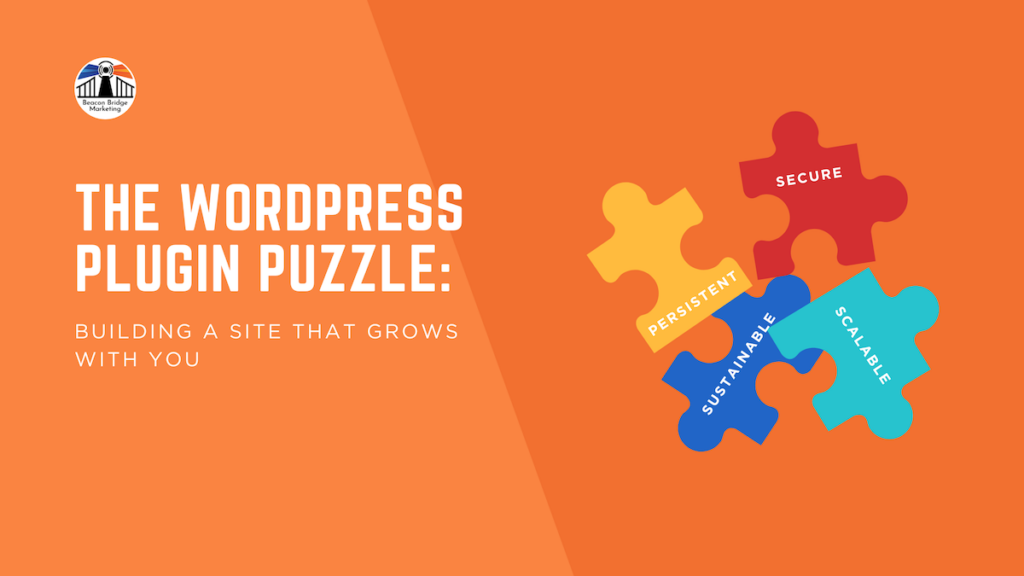
If you’ve ever looked into building a website, you’ve likely met WordPress. We love it because it’s open-source, free, and incredibly flexible. Whether you’re a tech-savvy pro or a business owner just finding your footing, WordPress offers a wonderful space to share your story with the world.
One of the most exciting parts of the WordPress ecosystem is the sheer variety of plugins. Think of plugins like “apps” for your phone—they add special features and functionality to your site without requiring you to write a single line of code. However, like any tool, they come with a few things to keep in mind to ensure your site stays happy and healthy!
The Pros: Why We Love Plugins
The right plugin can feel like a superpower for your marketing. Here are some of the biggest benefits:
-
A Tool for Everything: Whether you need a contact form, an e-commerce shop, better SEO, or a beautiful landing page for your Omni-Channel marketing strategy, there is a plugin for that!
-
Budget-Friendly Options: There is a massive library of free plugins that work beautifully for those just starting out.
-
Professional Support: Many “Pro” or paid versions offer dedicated support teams and frequent updates, giving you peace of mind that help is there if you need it.
-
Ultimate Flexibility: As your business grows, your website can grow too. You can add new features in just a few clicks.
The Cons: Navigating the Challenges
While we stay positive, being “tech-smart” means knowing the risks. Here are a few things to watch out for:
-
Security First: Because plugins are created by many different developers, some can have vulnerabilities. It’s important to choose reputable sources to keep hackers and data issues at bay.
-
The Incompatibility Tango: Sometimes, two plugins just don’t get along! When they “clash,” it can cause features on your site to stop working correctly.
-
Plugin “Sunsetting”: Occasionally, a developer stops updating a plugin. If that happens, you might eventually need to find a replacement to keep your site functioning smoothly.
-
The Learning Curve: While many are user-friendly, some deeper plugins (like page builders) take a little time and patience to master.
WordPress Best Practices: Your Site Safety Protocol
While plugins offer endless possibilities, managing them successfully means having a clear safety protocol. Before you add, modify, or change anything on your WordPress dashboard, follow these three non-negotiable rules:
-
Always Backup First: Never skip this step! Before doing absolutely anything to your website, ensure your hosting provider or a reliable backup tool has saved a fresh copy of your site’s files and database. A recent backup is your ultimate safety net if anything goes sideways during an installation.
-
Verify Active Theme Compatibility: Don’t guess if a tool will work. Under the details of each plugin inside the WordPress repository, the system explicitly states whether the tool has been tested and verified with your current version of WordPress and your active theme. Always check for this confirmation to avoid instant technical clashes.
-
Ditch the “Set It and Forget It” Mindset: A healthy website requires a consistent, active maintenance program to keep plugins up to date and secure. However, blindly setting your plugins to auto-update can easily break your site’s layout or functionality overnight without your knowledge. Instead, log in regularly, run a manual backup, and update your plugins one by one so you can verify that everything still works perfectly.
Things to Consider Before You Click “Install”
To keep your website journey positive, we recommend asking these four questions before adding something new:
-
What’s the Big Picture? Think about what you need now versus a year from now. Will this plugin scale with your dreams?
-
Is it Built to Last? Look for plugins that have been around a while, have high ratings, and show recent updates from the developer.
-
Will it Play Nice? Check the “Help” docs or reviews to see if there are known issues with your current theme or other plugins.
-
Is the Cost Sustainable? Free is great, but sometimes a paid version is a better long-term investment for security and support. Ensure the yearly subscription fits comfortably in your budget.
FAQ
How many plugins are “too many”?
There isn’t a magic number, but “less is usually more.” Every plugin adds a little bit of weight to your site. Focus on quality over quantity to keep your loading speeds fast and your security tight.
Should I always update my plugins immediately?
Generally, yes! Updates often include critical security patches. However, it’s a “best practice” to back up your website first, just in case an update causes a minor hiccup with another feature.
What is the difference between a free and a premium plugin?
Free plugins are fantastic for basic needs. Premium plugins usually offer more advanced features, better security, and—most importantly—direct access to a support team to help you if things go wrong.
Key Takeaway: Build with Intention
WordPress plugins are an incredible gift for marketers and business owners. By choosing your “puzzle pieces” with intention and a focus on longevity, you can build a website that serves as a strong, secure, and friendly home for your brand.
Ready to Take the Next Step?
Need a hand figuring out your website’s “tech stack” or choosing the right plugins for your marketing goals? Beacon Bridge Marketing is here to help simplify the process. Contact us today for a free, half-hour spotlight session and let’s make your website shine!

Kris Klenke
Author Bio
A recent University of Denver graduate with Master’s degrees in Marketing Management and Web Design & Development, Kris offers over five years of design and marketing experience. She is passionate about empowering companies to build strong brands and communicate their message effectively through compelling visuals and strategies.

BRIDGING TIMELESS MARKETING WITH DIGITAL EVOLUTION
SERVICES
MENU
CONTACT
PO Box 1508 Conifer
CO 80433
- Email: contact@beaconbridgemarketing.com
-
Hours: Mon-Fri
9:00AM - 5:00PM MT
© 2025 Beacon Bridge Marketing LLC